
 |
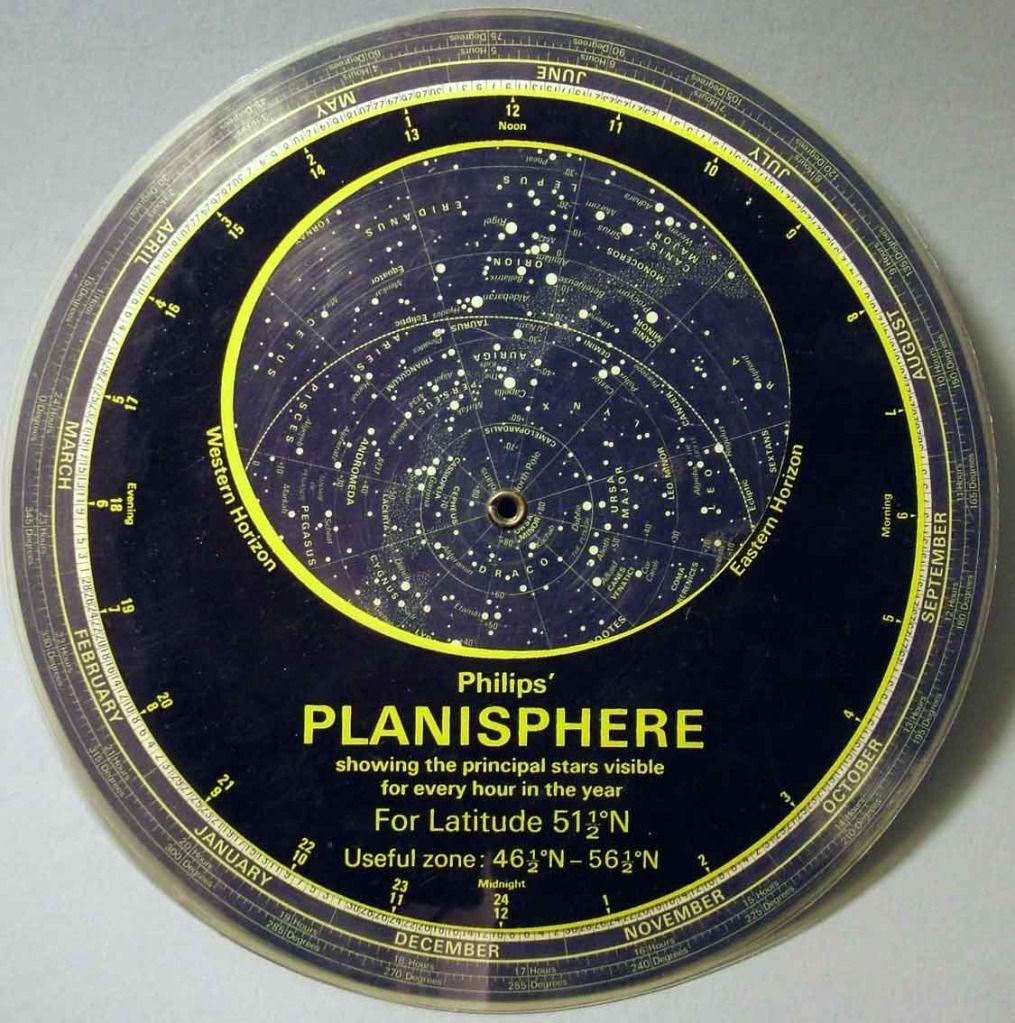
| Planisphere Wikipedia |
1. Weather apps
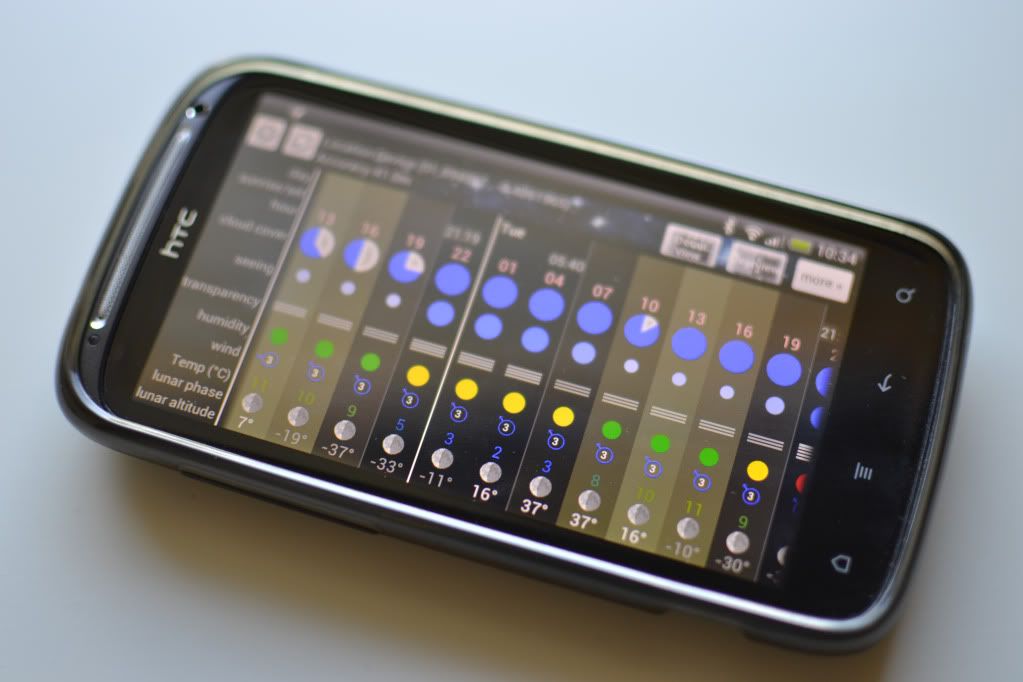
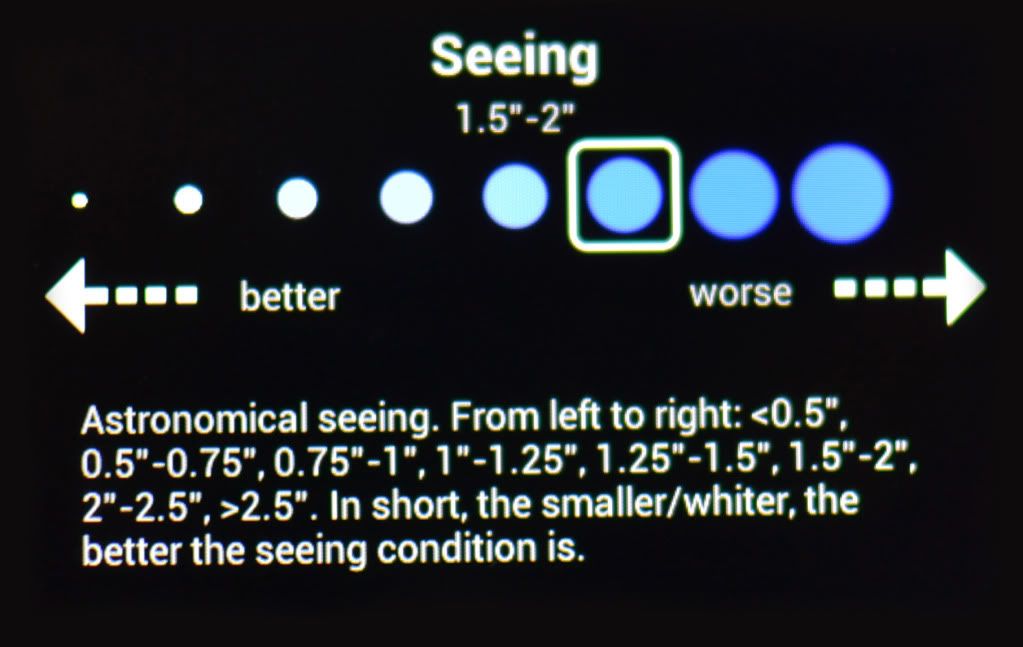
A good place to start is weather forecasting apps. Without clear skies there is no astronomy, at least in the optical sense, and to know what the weather is doing a few days in advance in invaluable for planning your observing or imaging sessions. To say that I have trialled a few weather apps, would be an understatement. I've gone through AccuWeather, Weatherbug, you name it, but the only one that really stood out from the crowd is a fantastic little app called Astro Panel by Shibby Developments. I have already covered the features of this app in a previous article, but it has a solid position in my list and deserves another mention
2. Planetarium apps
Being an Android user there are really only two choices to consider when looking for a decent planetarium software, Google Sky Map Devs Sky Map and Harshad RJs SkEye. While Sky Map is a perfectly good planetarium app with lots of great features and searchable objects, not to mention being the first one I used, I'm going to show preference to SkEye. The main reason for this is that I encountered a lot of glitches in Sky Map when searching for objects in real time, and the planetarium would be misaligned from the true sky. I don't know if it was an issue with my phone or the current OS at the time, but it made me search for something better. Something better came in the form of SkEye.
As you can see from the screenshot, there is a wealth of information on-screen when trawling through the sky, much more in fact than Sky Map has to offer. The simple displaying of right ascension, declination and other coordinates shows that this app is made for the serious amateur. Another great feature is that magnitudes for celestial objects are also provided.
Don't get me wrong, Sky Map is a great app. However. if you are an Android using amateur astronomer and want an app that is useful beyond simply locating objects in the sky, SkEye is the one for you. I cannot vouch for any of the planetarium apps on iOS platforms but I have been told that they run very smoothly and are very reliable. As to features, you'll need to talk to an Apple fan.
3. Compass apps
The next couple of apps I'm going to discuss, I use mainly for mount set up. Compass apps are very useful, and come in all shapes and sizes. However, the compass I chose is actually part of a package app containing a number of different navigation and positioning apps. Ulysse Gizmos by binarytoys has an array of interfaces, including a very detailed compass.
As well as finding your bearings, it also measures your altitude which is important for many GOTO systems that may not have GPS included, and require the manual entering of these coordinates. Another feature shown in the screenshot hints at my next chosen app for use in astronomy and the reason why I chose Ulysse Gizmos.
4. Spirit Level apps
Getting your mount level and polar aligned is in most cases essential, especially when using GOTO systems and doing high focal length astrophotography. Whereas some do, many mounts don't come with built in spirit levels. The solution I came up with was using a spirit level app on my Android phone and placing the phone onto the accessory tray of my HEQ5 Pro while levelling it. The Ulysse Gizmos spirit level works great. Since doing this my mount alignment has been very satisfactory, enabling unguided subs of 1min and being perfectly adequate for 5min+ guided exposures.
If for some reason, like me, you'd like to have a simpler dedicated spirit level app on your phone, I would recommend Bubble Level by Antoine Vianey.
With this super simple interface and high resolution spirit level, aligning and levelling your mount is easy as pie.
I hope this list might make some ones observing or imaging life a little easier, and I might add to it in the future. Also, watch out for another future article on a very handy little modification I made to my smartphone that I use every single night I go out to observe or do some astrophotography.
For now, clear skies.
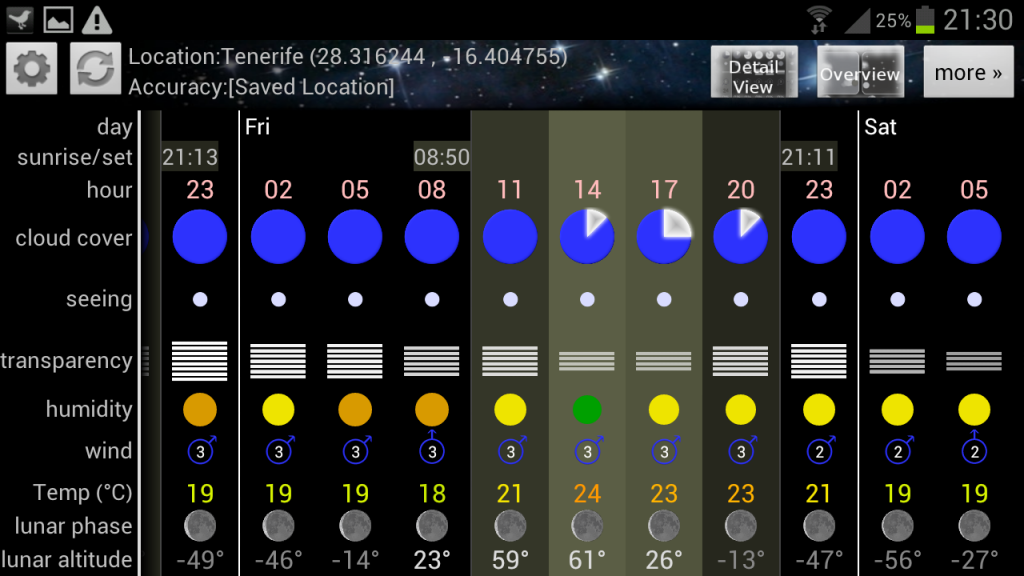 |
| Screenshot of Astro Panel on my phone. This was during my visit to the Mt Teide Observatory, Tenerife. |
2. Planetarium apps
Being an Android user there are really only two choices to consider when looking for a decent planetarium software, Google Sky Map Devs Sky Map and Harshad RJs SkEye. While Sky Map is a perfectly good planetarium app with lots of great features and searchable objects, not to mention being the first one I used, I'm going to show preference to SkEye. The main reason for this is that I encountered a lot of glitches in Sky Map when searching for objects in real time, and the planetarium would be misaligned from the true sky. I don't know if it was an issue with my phone or the current OS at the time, but it made me search for something better. Something better came in the form of SkEye.
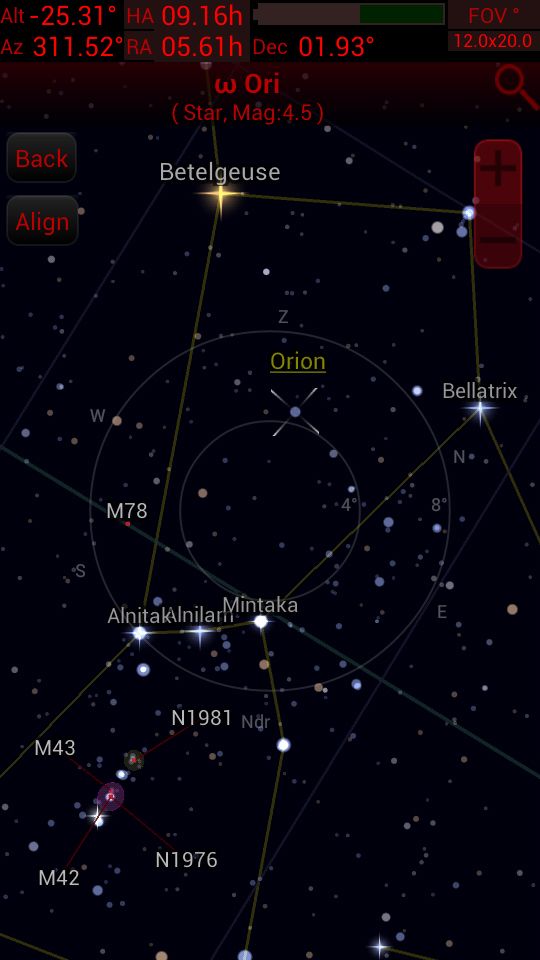 |
| Screenshot of SkEye, looking at the constellation Orion. |
Don't get me wrong, Sky Map is a great app. However. if you are an Android using amateur astronomer and want an app that is useful beyond simply locating objects in the sky, SkEye is the one for you. I cannot vouch for any of the planetarium apps on iOS platforms but I have been told that they run very smoothly and are very reliable. As to features, you'll need to talk to an Apple fan.
3. Compass apps
The next couple of apps I'm going to discuss, I use mainly for mount set up. Compass apps are very useful, and come in all shapes and sizes. However, the compass I chose is actually part of a package app containing a number of different navigation and positioning apps. Ulysse Gizmos by binarytoys has an array of interfaces, including a very detailed compass.
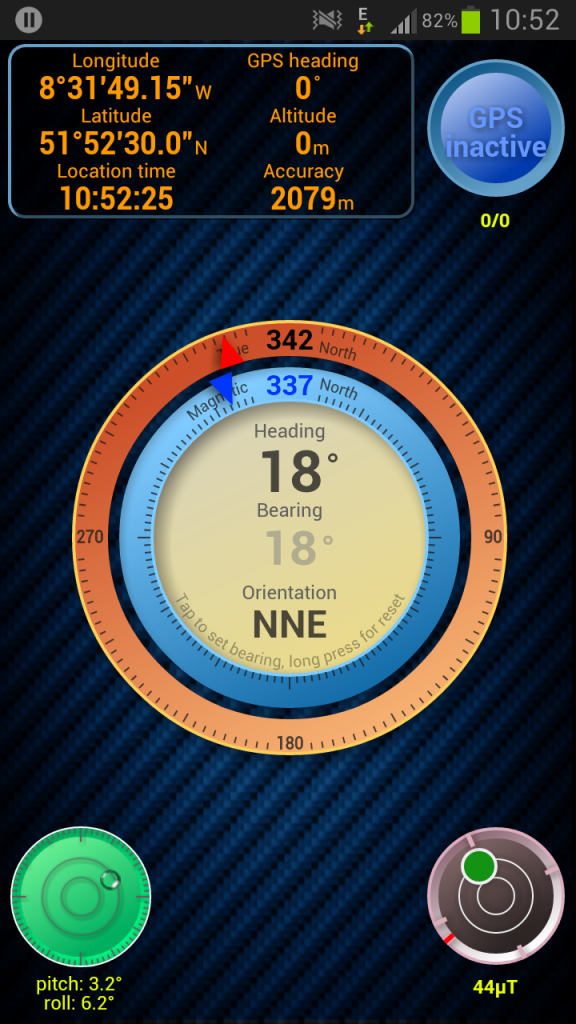 |
| Screenshot of Ulysse Gizmos on the compass interface. |
4. Spirit Level apps
Getting your mount level and polar aligned is in most cases essential, especially when using GOTO systems and doing high focal length astrophotography. Whereas some do, many mounts don't come with built in spirit levels. The solution I came up with was using a spirit level app on my Android phone and placing the phone onto the accessory tray of my HEQ5 Pro while levelling it. The Ulysse Gizmos spirit level works great. Since doing this my mount alignment has been very satisfactory, enabling unguided subs of 1min and being perfectly adequate for 5min+ guided exposures.
If for some reason, like me, you'd like to have a simpler dedicated spirit level app on your phone, I would recommend Bubble Level by Antoine Vianey.
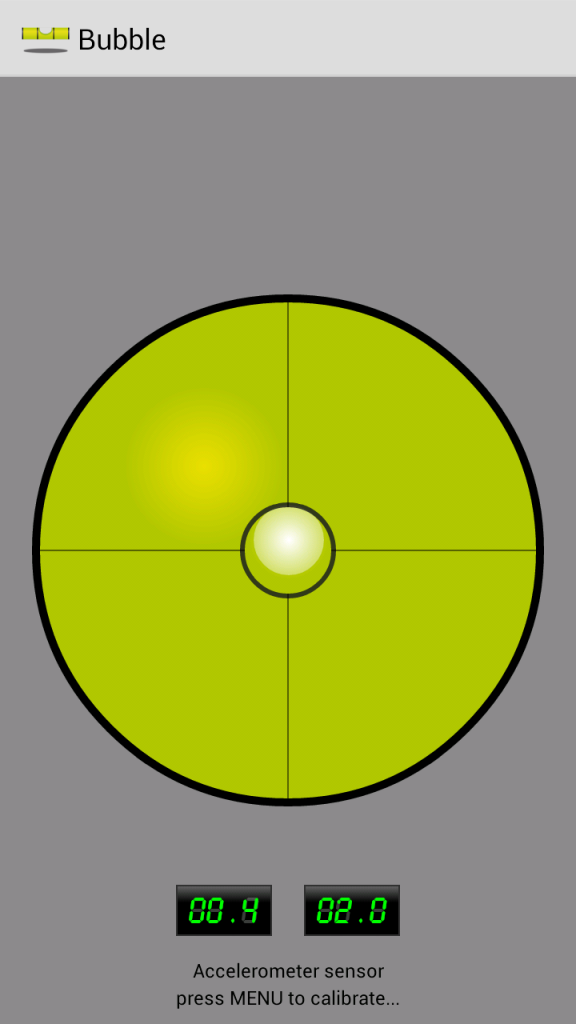 |
| Screenshot of Bubble Level |
I hope this list might make some ones observing or imaging life a little easier, and I might add to it in the future. Also, watch out for another future article on a very handy little modification I made to my smartphone that I use every single night I go out to observe or do some astrophotography.
For now, clear skies.